


ERP and POS for retail shops
Fast tills, accurate shelves and one view across every branch.
Problems we fix for retail and point of sale
Each one is a cost you carry today. Here is how the system removes it.
Each branch runs its own till system and its own truth
Shrinkage is found at year end, not on the day
Promotions run with no idea whether they paid
A normal day, in the system
Each step updates the next one automatically. Nobody retypes anything.
- 1Stock received at the branch
- 2Items sold at the till
- 3Shift closed and cash counted
- 4Sales and stock posted to the books
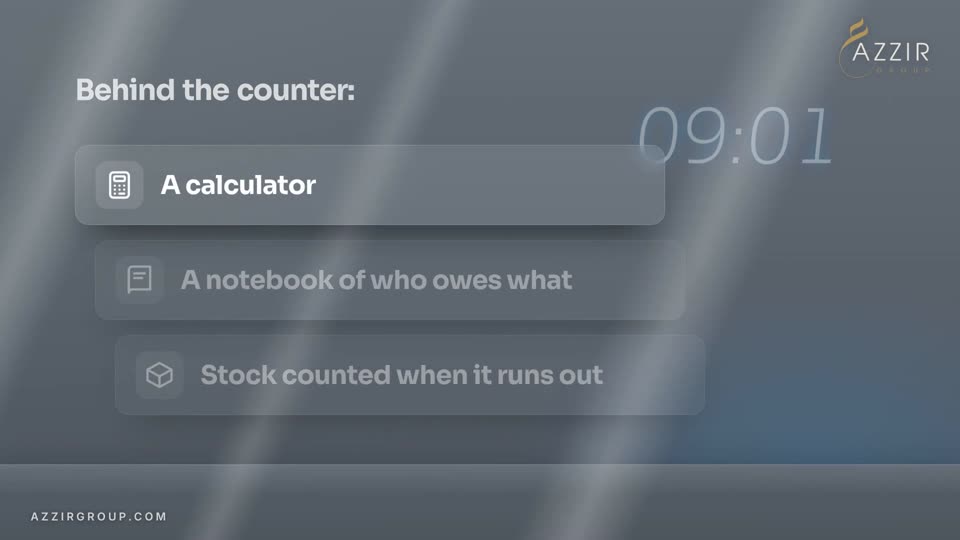
Short films of businesses like yours.
Each one follows a working day in ERPNext, about two minutes. Sample businesses, fictional figures.
 1:57
1:57 2:12
2:12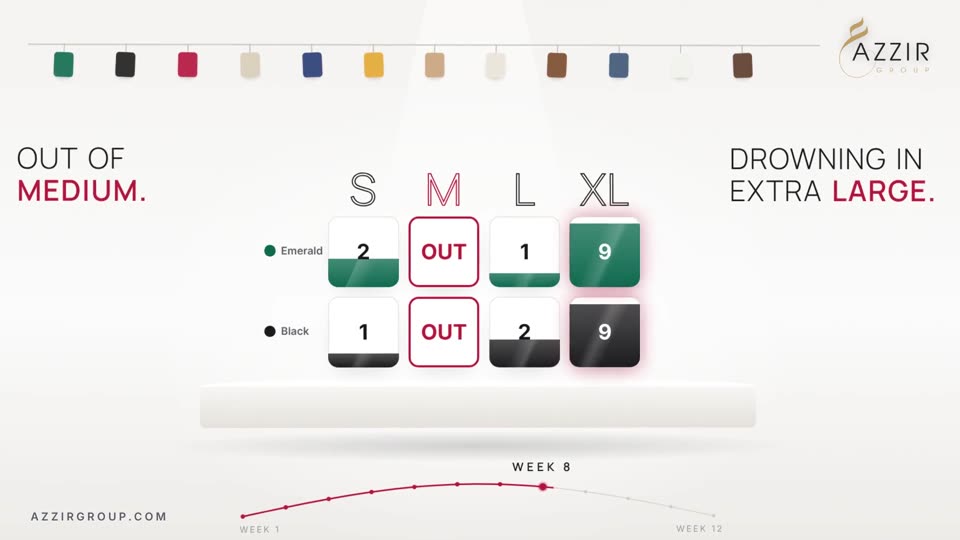 2:05
2:05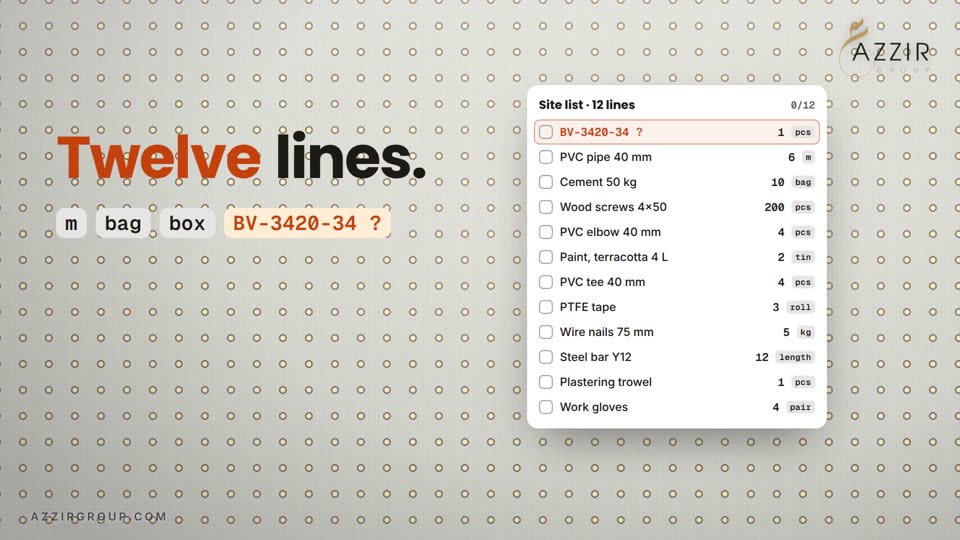 2:00
2:00Set up for retail and point of sale
- TillsTouch point of sale that keeps selling when the internet drops.
- Mobile moneyMobile money, card and cash on the same receipt.
- Branch stockTransfers between shops with nothing lost on the way.
- Promotions and loyaltyOffers, points and gift cards with results you can measure.
- Cash controlShift opening, closing and variance per cashier.
- ReplenishmentShelves refilled from the back store and the warehouse by rule.
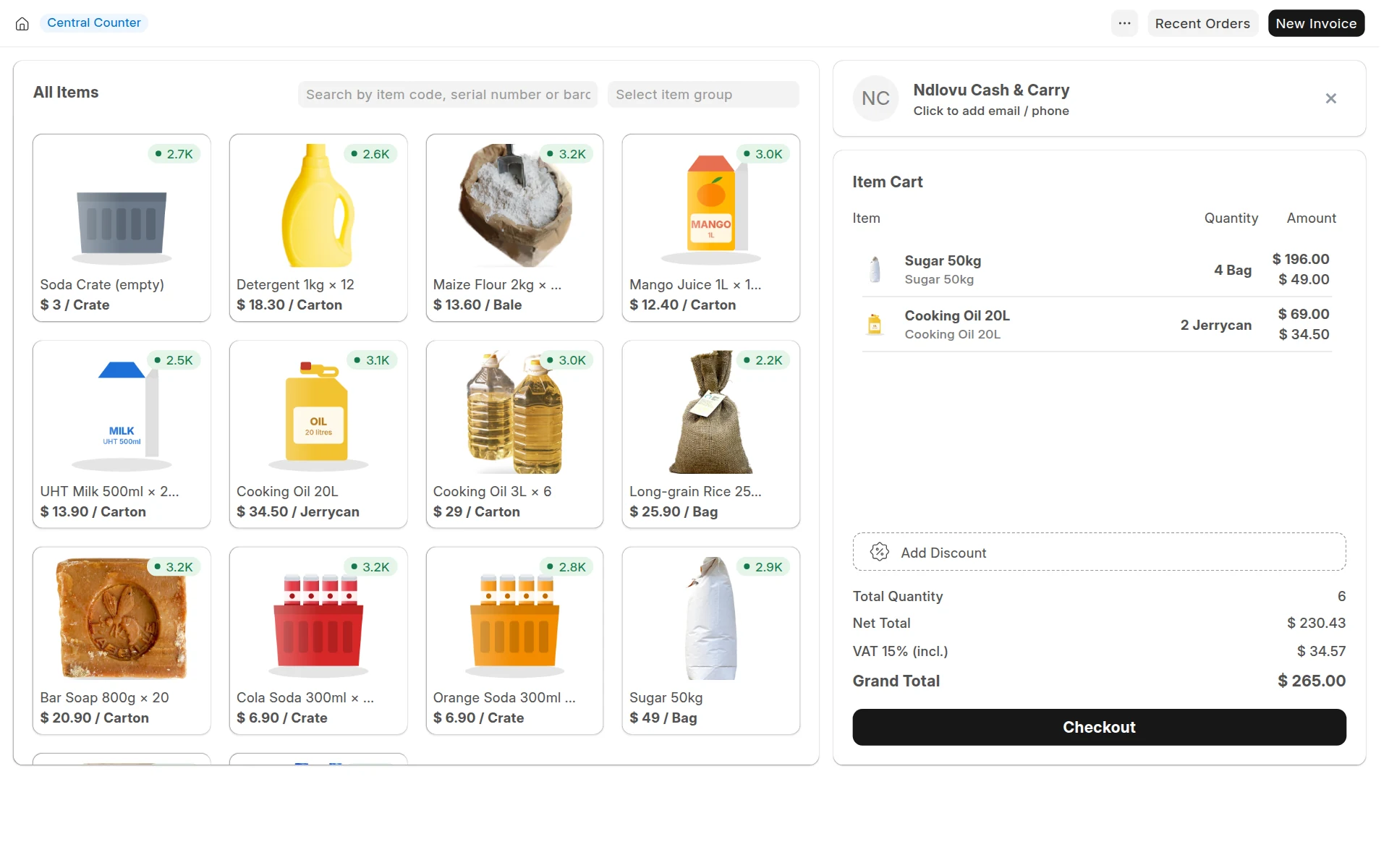
- Sales per branch, till and hour
- Shrinkage and stock variance
- Basket size and best sellers
- Cashier variance
What it runs on
5 modules working on one database. Open any one to see what it does.


Asked in every first meeting
Does the till work offline?
Yes. Sales continue during an outage and sync to the main system when the connection returns.
Can head office see every branch live?
Yes. Sales, stock and cash for every branch are in one system, so there is nothing to consolidate.
What does an ERP for retail and point of sale cost?
It depends on your users, locations and modules. Answer four quick questions and see your estimate on the page.
See the price for your retail and point of sale business
Four quick steps. You see your estimate on the page, with a brochure made for your business.